You need an email address and a phone number (mobile or landline).
1. Create your account
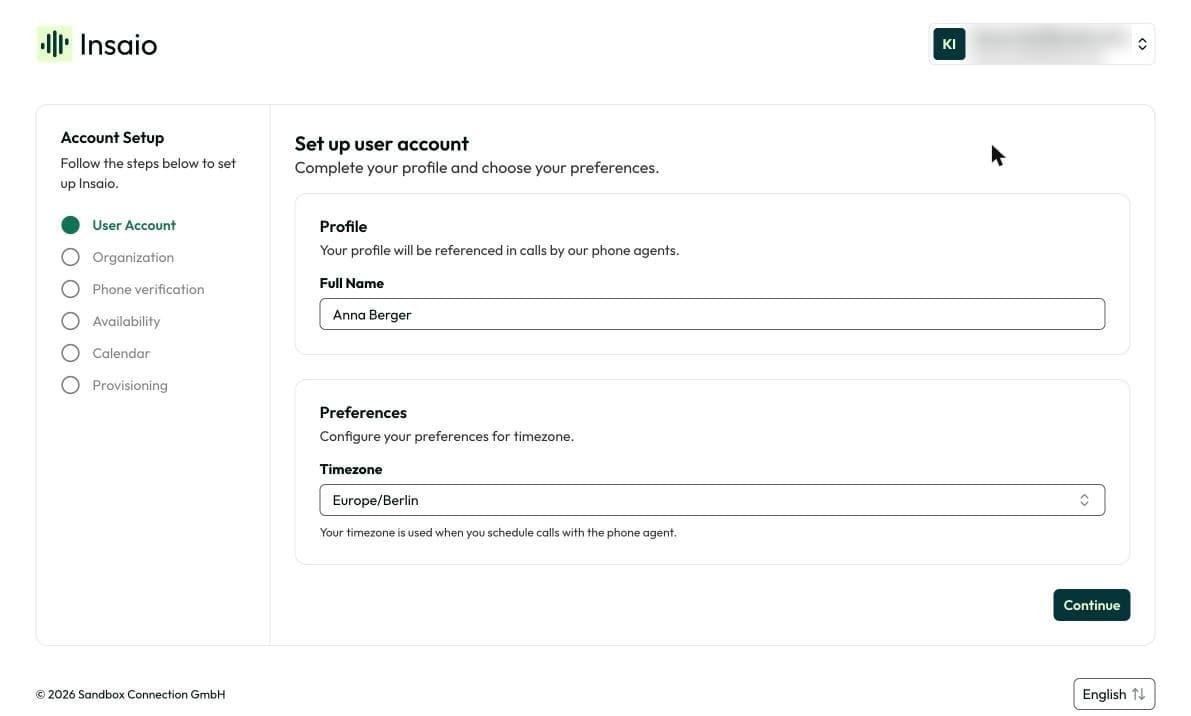
Click Create account and sign up. This starts your 7-day trial. Then enter your name and check the time zone. Your AI agent uses your name in conversations with your customers.
2. Create your organization
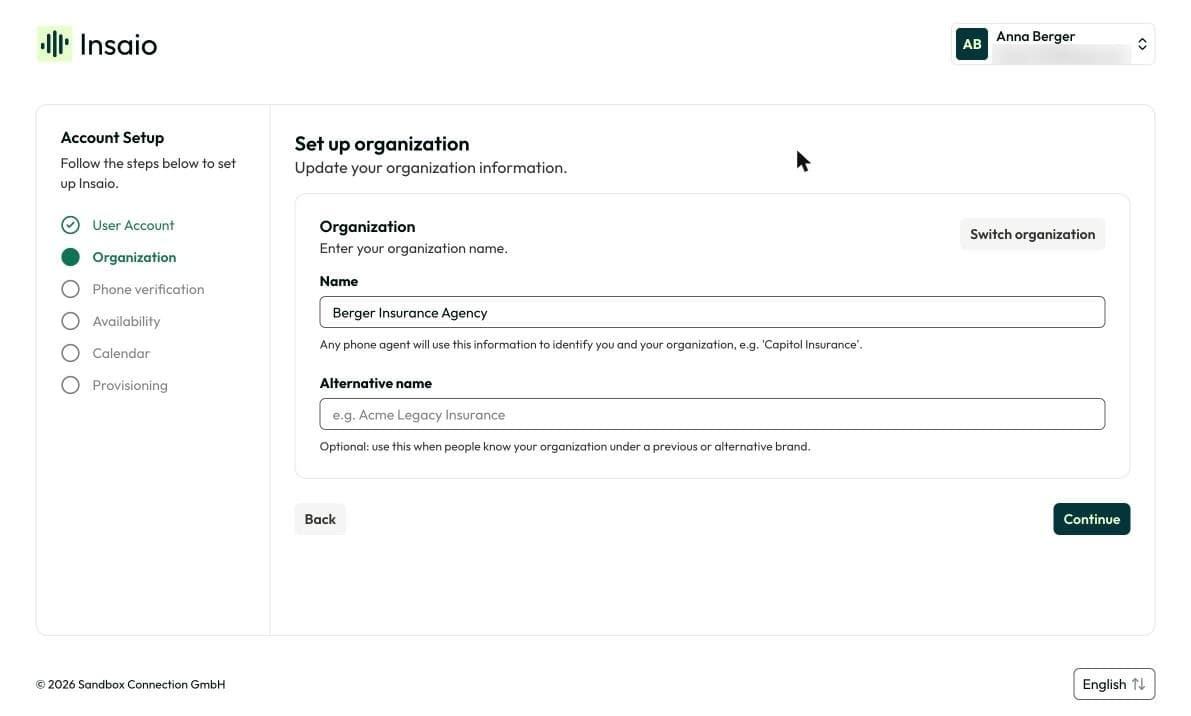
Enter the name of your agency or company. Your AI agent uses this name when it interacts with your customers.
Your agency or company. It holds your numbers, contacts, conversations and appointments. You invite your team to the same organization later.
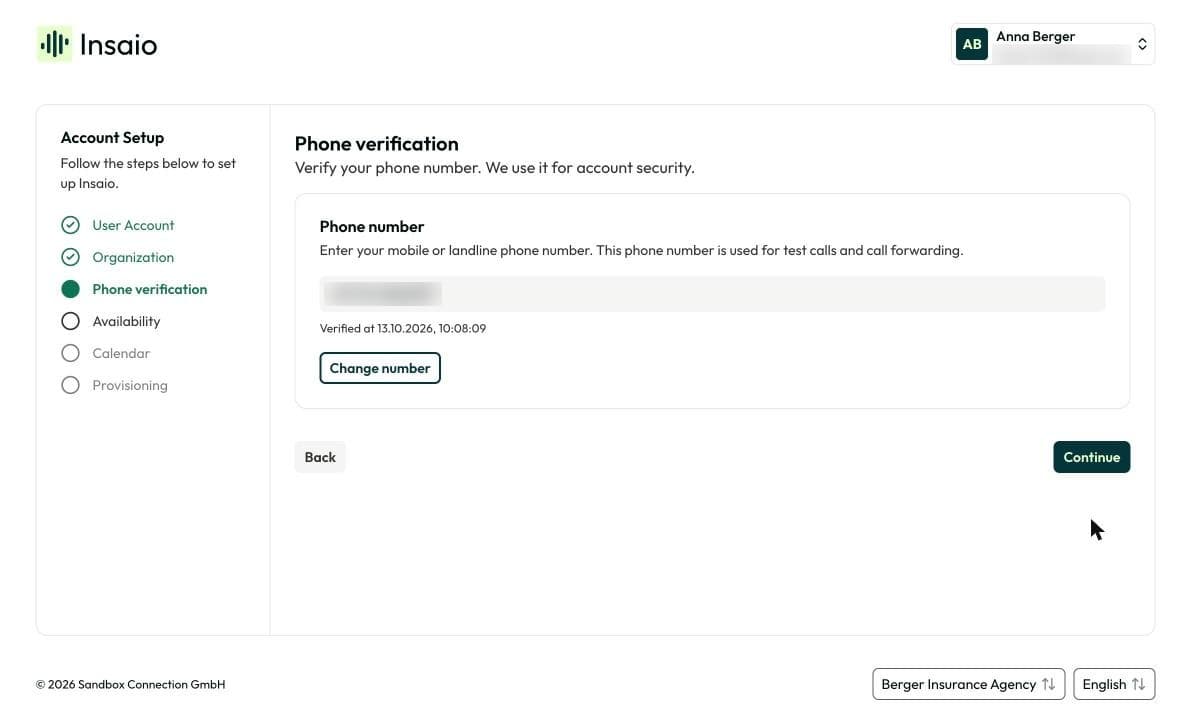
3. Verify your phone number
Enter your phone number and click Save phone number. You get a call with a verification code. Enter the code.
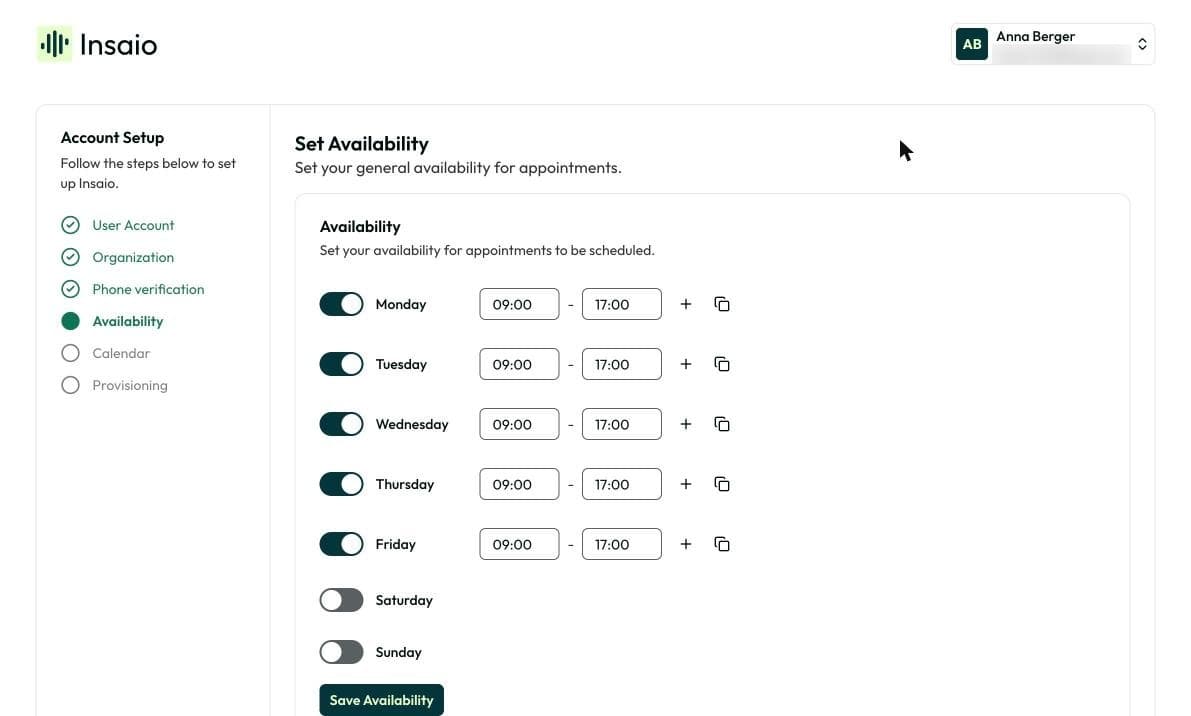
4. Set your availability
All days are switched off by default. Switch on the days you work, enter your hours and click Save availability. Only then can you click Next. Your agent only offers appointments within these hours.
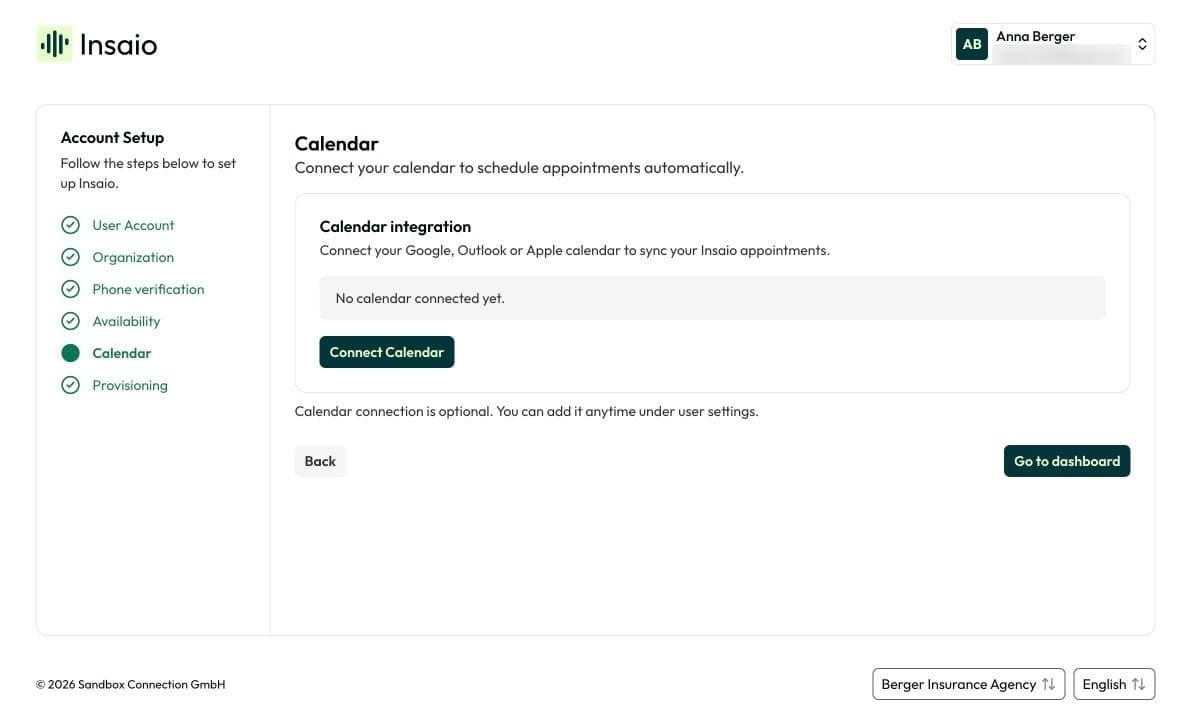
5. Connect your calendar
Click Connect calendar and sign in with Google, Outlook or Apple. Your agent then only offers times that are free in your calendar.
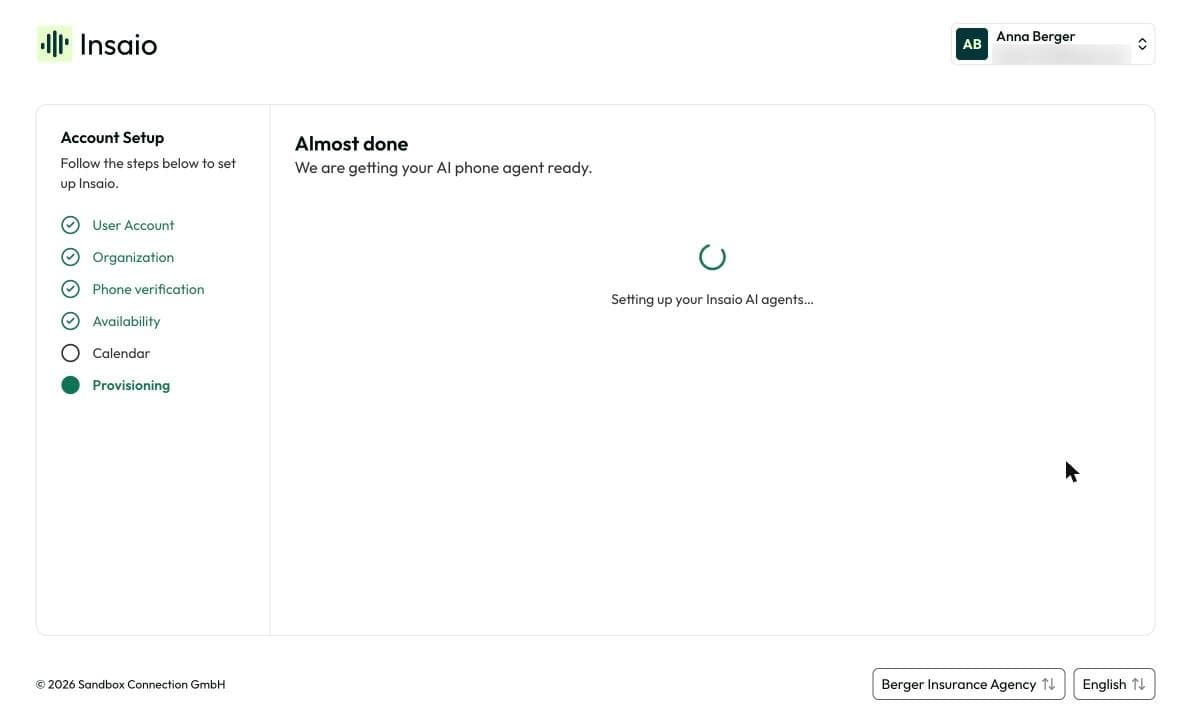
6. Get your Insaio number
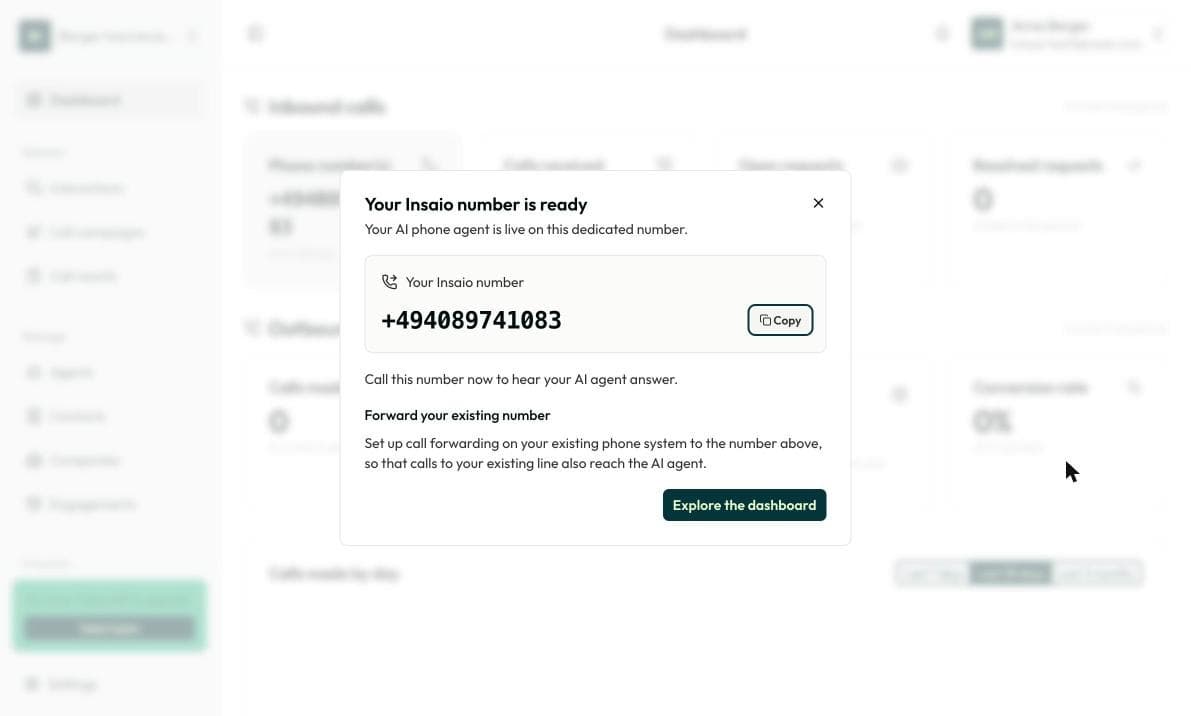
Click Go to dashboard. After a few seconds you see Your Insaio number is ready. Your AI agent is now available on this number.
Frequently asked questions
No, it only receives calls. For call campaigns you need a number for outgoing calls, see Set up an AI call campaign.
Under Settings › Organization › Profile.
Under Settings › Organization › Members.