
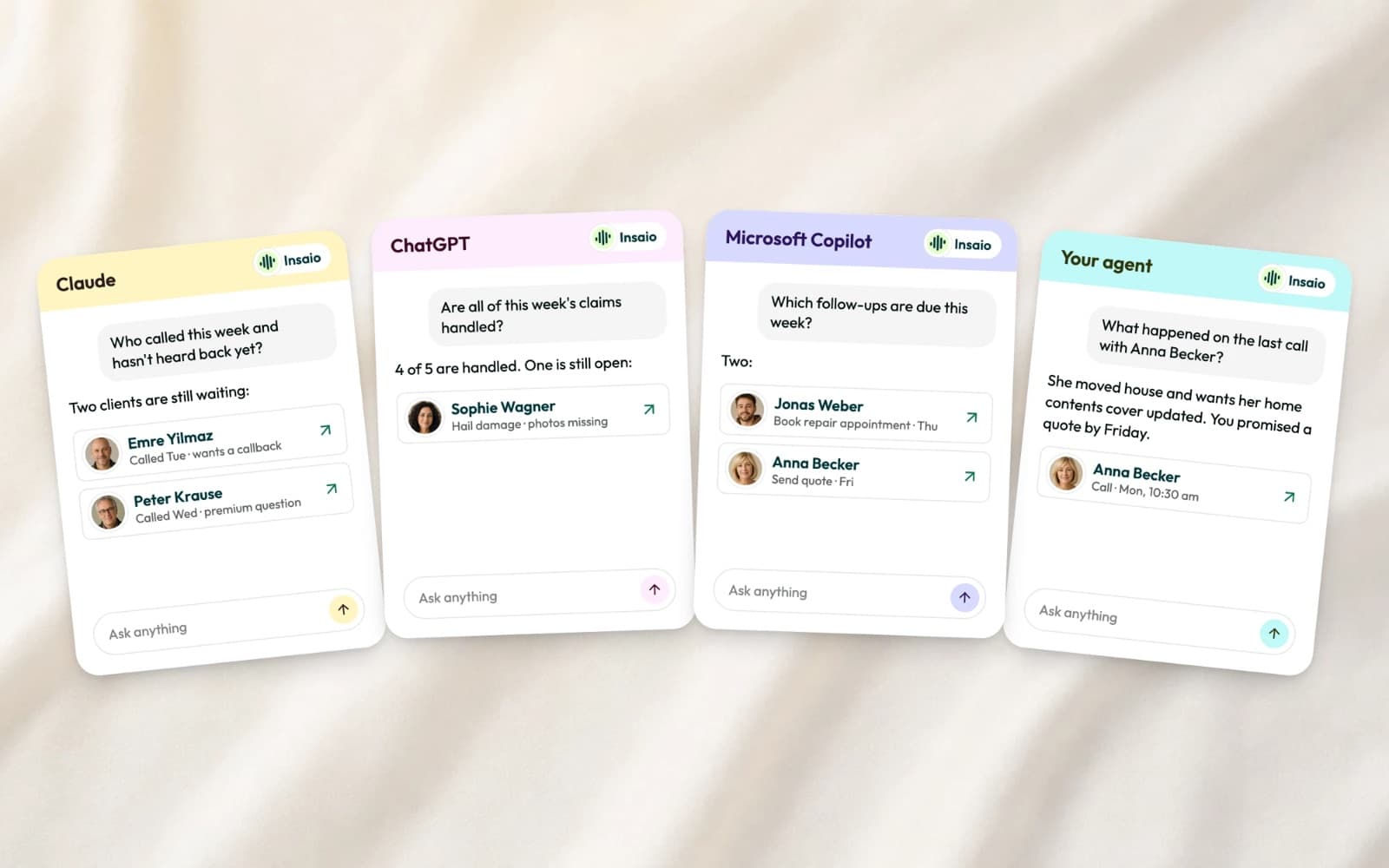
Insaio in your AI tool
Who called, what was discussed, what's still open? Until now, you looked it up in Insaio. Now you can ask where you already work.
Connect
Add Insaio to Claude, ChatGPT or your own AI agent and sign in with your normal Insaio account. In Microsoft Copilot, your IT adds Insaio once as a tool in Copilot Studio and rolls it out to the team. Each connection belongs to one organization.
Ask
Ask in plain language: which clients called about car damage this week and have no appointment yet, what happened on the last call with a client, which follow-ups are still open. The answer comes with a link to every client, call or note it mentions, so you're one click from the record.
Act
If an admin allows it, the AI tool can also write back, for example a note on a client after you've talked it through. Every change shows in the history with the tool that made it: "via Claude", "via ChatGPT".
Your rules
Read access is the default. Write access is opt-in, per action. Every connection has rate limits, and a log shows what it read. Call transcripts are only available if an admin turns that on, and recordings never leave Insaio.
Availability
Live for a few weeks now, included in every plan.
Your client data, in the AI tool you already use.